
How to Secure Your WhatsApp Account: 10 Essential Security Tips Leave a comment
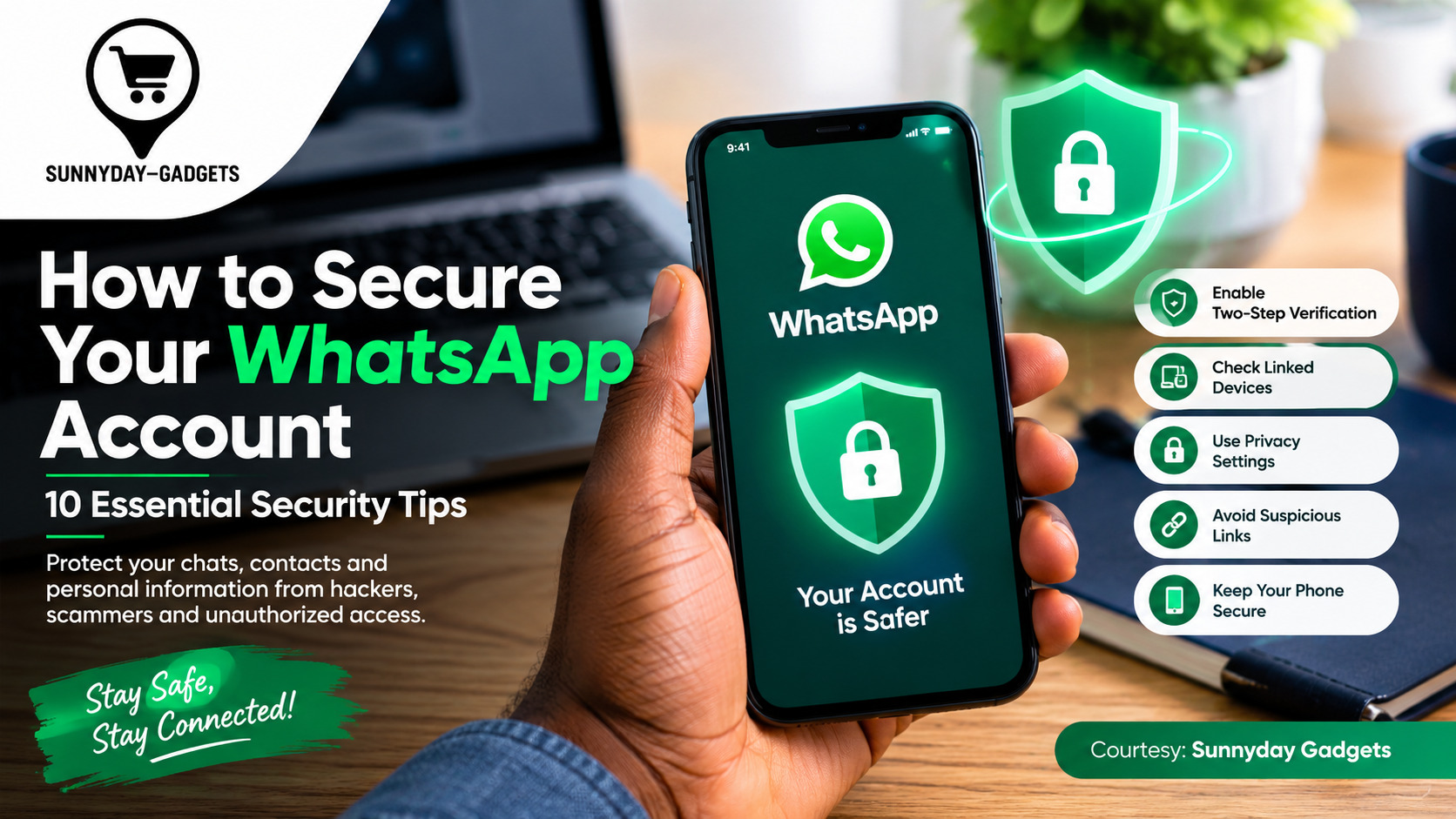
WhatsApp has become an essential communication tool for millions of people, including individuals, families, businesses, and professionals. However, because so much personal and business information is exchanged through the platform, WhatsApp accounts can also become targets for scammers, fraudsters, and cybercriminals.
A compromised WhatsApp account can expose private conversations, contacts, photos, documents, and business information. Attackers may also impersonate you and send fraudulent messages to your contacts.
The good news is that you can significantly improve your WhatsApp security by enabling the right privacy and account-protection features.
Here are 10 practical ways to secure your WhatsApp account.
1. Enable Two-Step Verification
Two-step verification is one of the most important security features available on WhatsApp.
It allows you to create a six-digit PIN that is required when registering your phone number with WhatsApp again. This provides an additional layer of protection if someone attempts to take control of your account.
To enable it:
- Open WhatsApp.
- Go to Settings.
- Select Account.
- Tap Two-step verification.
- Select Turn on.
- Create a PIN and add an email address for recovery.
Never share your two-step verification PIN with anyone.
2. Never Share Your WhatsApp Verification Code
One of the most common WhatsApp scams involves tricking users into sharing the six-digit registration code sent to their phone.
A scammer may pretend to be a friend, bank representative, business contact, or even WhatsApp support and ask you for the code.
Do not share it.
If someone obtains your verification code, they may be able to register your WhatsApp account on another device.
Remember: your WhatsApp verification code is private.
3. Check Linked Devices Regularly
WhatsApp allows you to use your account on computers and other devices through its linked-device feature. https://faq.whatsapp.com/1095301557782068
While convenient, an unfamiliar linked device could potentially give someone access to your WhatsApp conversations.
Check your linked devices regularly:
WhatsApp → Settings → Linked Devices
Review the list and log out of any device you don’t recognize or no longer use.
This is particularly important if you have used WhatsApp Web on a public, office, school, or shared computer.
4. Use WhatsApp’s Privacy Settings
WhatsApp provides several privacy controls that allow you to decide who can see information associated with your account.
Review settings such as:
- Last seen and online
- Profile photo
- About
- Status
- Groups
- Live location
- Calls
For sensitive information, consider limiting visibility to My Contacts or using more restrictive options where appropriate.
5. Be Careful With WhatsApp Groups
WhatsApp groups can expose your phone number and potentially connect you with people you don’t know.
You can control who is allowed to add you to groups through:
Settings → Privacy → Groups
Consider restricting this option if you frequently receive unwanted group invitations.
For business users, this can also help reduce exposure to unsolicited messages and potentially malicious communities.
6. Don’t Click Suspicious Links
Cybercriminals frequently use WhatsApp messages to distribute phishing links.
A message may claim that you have won a prize, received a delivery, been selected for a promotion, or need to verify your bank account.
Other scams may imitate popular Nigerian businesses or financial institutions.
Before clicking a link, ask:
- Do I know the sender?
- Was I expecting this message?
- Does the link look legitimate?
- Is the message creating unnecessary urgency?
- Is it asking for my password, PIN, OTP, or banking information?
When in doubt, don’t click.
7. Protect Your Phone
WhatsApp security also depends on the security of the smartphone itself.
Use a strong:
- PIN
- Password
- Fingerprint lock
- Face authentication
Avoid leaving your unlocked phone unattended, particularly in public places.
If someone can physically access your unlocked phone, account security features alone may not be enough to protect your private conversations.
8. Keep WhatsApp Updated
Software updates frequently contain security improvements and bug fixes.
Make sure WhatsApp is downloaded from an official app store and keep it updated.
You should also keep your smartphone’s operating system updated whenever legitimate security updates become available.
Avoid downloading modified or unofficial versions of WhatsApp because they can introduce additional security and privacy risks.
9. Watch Out for Impersonation Scams
If someone suddenly sends you a WhatsApp message claiming to be a friend or relative and asks for money, don’t immediately act.
Their account may have been compromised, or someone could be pretending to be them.
For example, a scammer might send:
“Please send me money urgently. I’ll pay you back later.”
Before transferring money, verify the person’s identity through a separate communication channel, such as a phone call.
This simple step can prevent significant financial losses.
10. Use WhatsApp’s Additional Privacy Features
WhatsApp has introduced additional privacy-focused features over time. Depending on your version of the app, consider reviewing options such as:
- Chat Lock
- Disappearing Messages
- Silence Unknown Callers
- Privacy Checkup
- End-to-end encrypted backups
These features can provide additional protection for sensitive conversations and personal information.
How Nigerian WhatsApp Users Can Stay Safer
WhatsApp scams are particularly concerning when criminals use social engineering to exploit trust.
Be especially cautious about messages involving:
- Bank accounts
- OTPs
- BVN or NIN information
- Cryptocurrency or investment opportunities
- Fake job offers
- Online shopping deals
- Delivery notifications
- Government grants
- Account verification
- Emergency requests for money
Never send your OTP, banking PIN, card details, or other sensitive financial credentials through WhatsApp.
If a message claims to come from your bank or another organization, contact the organization using an official phone number or website rather than relying on a link or contact supplied in the suspicious message.
What to Do If Your WhatsApp Account Is Compromised
If you believe someone has taken control of your WhatsApp account, act quickly.
First, try registering your phone number on WhatsApp again using the legitimate verification process. Review your Linked Devices and remove devices you don’t recognize.
You should also notify close contacts that your account may have been compromised so they don’t respond to fraudulent requests sent from your number.
If you suspect that your phone number or SIM has also been compromised, contact your mobile network provider immediately.
Final Thoughts
Securing your WhatsApp account doesn’t require advanced cybersecurity knowledge. Simple actions such as enabling two-step verification, protecting your verification code, checking linked devices, using strong phone security, avoiding suspicious links, and keeping your apps updated can significantly improve your protection. https://outsourcenigeria.com/protect-your-whatsapp-account-from-hacking-a-comprehensive-recovery-guide/
Cybersecurity starts with small habits. Before trusting a message, clicking a link, or sending sensitive information, stop and verify first.
Stay informed. Stay protected. Stay secure with Sunnyday Gadgets. Cyber Threat of the Week: AI-Powered Phishing and Credential Theft
Courtesy: Sunnyday Gadgets
Gadgets • Technology • Cybersecurity Awareness • Website Security Solutions
