
Threat & Vulnerability Assessment Basics: A Beginner’s Guide for Businesses Leave a comment
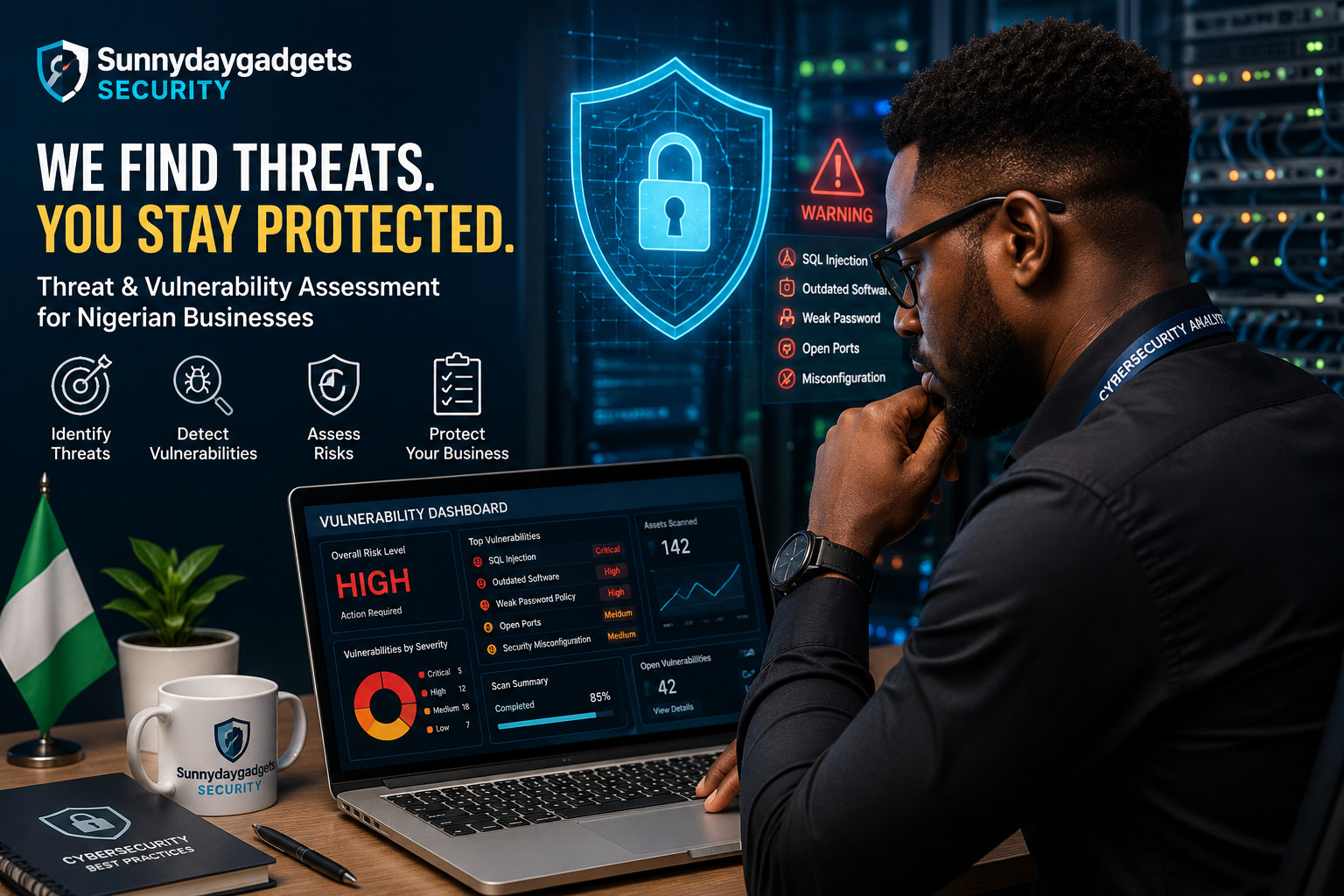
Cyberattacks don’t always begin with sophisticated hackers breaking through advanced security systems. In many cases, attackers exploit simple weaknesses that businesses didn’t know existed.
That is why Threat and Vulnerability Assessments (TVAs) are an important part of cybersecurity. They help organizations identify potential threats, discover weaknesses in their systems, and take action before attackers can exploit them.
For Nigerian businesses—whether a small online store, professional services firm, school, hospital, or growing enterprise—understanding the basics of vulnerability assessment can make a significant difference in protecting data and digital operations.
What Is a Threat and Vulnerability Assessment?
A Threat and Vulnerability Assessment is a structured process used to identify:
- Potential cyber threats
- Security weaknesses
- Vulnerable systems and applications
- Exposed devices and services
- Risks to sensitive information
- Possible consequences of a successful attack
Think of it like inspecting a building for security problems.
A physical security inspection might discover an unlocked door, broken window, or faulty alarm system. A cybersecurity assessment performs a similar inspection of your website, network, computers, servers, applications, cloud systems, and other digital assets.
The objective isn’t simply to find problems. The goal is to understand the risks and prioritize what needs to be fixed first.
Threat vs. Vulnerability: What’s the Difference?
These two terms are often used together, but they mean different things.
What is a threat?
A threat is anything capable of causing harm to an organization’s systems or information.
Examples include:
- Cybercriminals
- Malware
- Phishing attacks
- Ransomware
- Insider threats
- Stolen credentials
- Distributed denial-of-service attacks
- Exploitation of software vulnerabilities
What is a vulnerability?
A vulnerability is a weakness that could potentially be exploited.
Examples include:
- Outdated software
- Weak passwords
- Misconfigured servers
- Missing security updates
- Poor access controls
- Exposed databases
- Insecure APIs
- Unprotected network services
A simple way to remember it:
Threat = potential danger.
Vulnerability = weakness that can be exploited.
Why Should Businesses Perform Vulnerability Assessments?
Many organizations don’t know how exposed they are until something goes wrong.
A vulnerability assessment can help businesses discover security weaknesses before attackers find them.
1. Identify security weaknesses
An assessment can reveal outdated software, insecure configurations, exposed services and other weaknesses.
2. Reduce the attack surface
Organizations can identify unnecessary services, accounts, applications and devices that increase their exposure.
3. Protect sensitive information
Businesses may store customer information, financial records, employee data, passwords and confidential documents.
Finding vulnerabilities can help reduce the risk of unauthorized access.
4. Prioritize cybersecurity spending
Not every vulnerability requires the same level of attention.
An assessment helps organizations determine which issues are:
Critical → High → Medium → Low
This allows businesses to focus resources on the most important risks.
5. Support compliance and security requirements
Depending on the industry, organizations may need to demonstrate that they have appropriate security controls and risk-management processes.
What Does a Vulnerability Assessment Look At?
A comprehensive assessment can cover multiple areas of an organization’s technology environment.
Websites
Websites can contain vulnerabilities involving:
- Authentication
- Access controls
- Software versions
- Security headers
- Configuration
- Input validation
- APIs
- Exposed administrative interfaces
For businesses that accept customer information online, website security should be a major priority.
Networks
Network assessments can identify:
- Open ports
- Unnecessary services
- Weak configurations
- Unsupported systems
- Exposed network devices
- Insecure protocols
The objective is to understand what systems are accessible and whether they are adequately protected.
Computers and Servers
Endpoints and servers can become attractive targets when they aren’t properly maintained.
Assessments may look for:
- Missing security patches
- Unsupported operating systems
- Weak configurations
- Unnecessary software
- Malware indicators
- Excessive privileges
Cloud Environments
Cloud services introduce another layer of security considerations.
Organizations should review areas such as:
- Identity and access management
- Storage permissions
- Publicly exposed resources
- Authentication
- Logging
- Security configurations
A cloud service can be secure while a customer’s configuration of that service is not.
Common Vulnerabilities Businesses Should Watch For
Some security weaknesses appear repeatedly across organizations.
Weak passwords
Simple or reused passwords can make accounts easier to compromise.
Outdated software
Attackers frequently target known vulnerabilities in outdated operating systems, applications and plugins.
Poor access control
Employees shouldn’t automatically have access to every system or file.
Misconfigured systems
A system can be secure by design but become vulnerable because of an incorrect configuration.
Missing multi-factor authentication
Passwords alone aren’t always enough to protect important accounts.
Exposed services
Unnecessary internet-facing services can increase an organization’s attack surface.
Insecure websites
Poorly secured websites can expose businesses and their customers to attacks.
How Does a Vulnerability Assessment Work?
A typical assessment can be divided into several stages.
Step 1: Identify Assets
First, determine what needs to be protected.
This could include:
- Websites
- Domains
- Servers
- Employee computers
- Network devices
- Cloud resources
- Applications
- Databases
- Mobile devices
You can’t effectively protect assets you don’t know you have.
Step 2: Identify Potential Threats
Next, consider who or what could threaten those assets.
For example:
Asset: Company email account
Threat: Credential theft
Potential vulnerability: Weak password and no MFA
This helps security teams understand the relationship between assets, threats and vulnerabilities.
Step 3: Scan for Vulnerabilities
Security professionals can use vulnerability scanners and other security tools to identify potential weaknesses.
However, automated scanning isn’t the entire assessment.
A scanner might identify a potentially vulnerable service, but a security professional needs to determine:
- Is the vulnerability genuine?
- How serious is it?
- Is the system actually exposed?
- What could an attacker potentially do?
- How should it be fixed?
Step 4: Analyze and Prioritize Risks
Not every vulnerability presents the same level of danger.
For example, a critical vulnerability affecting an internet-facing server should generally receive attention before a low-risk issue on an isolated internal workstation.
Risk can be considered using factors such as:
Likelihood × Impact = Risk
The higher the likelihood and potential impact, the higher the priority should generally be.
Step 5: Remediate the Problems
Once vulnerabilities have been identified, organizations should address them.
Possible remediation actions include:
- Installing security updates
- Changing passwords
- Enabling MFA
- Removing unnecessary services
- Correcting configurations
- Updating applications
- Restricting access
- Improving network segmentation
- Replacing unsupported systems
Step 6: Reassess
Cybersecurity isn’t a one-time activity.
After vulnerabilities have been fixed, organizations should verify that the fixes worked.
Regular assessments can also identify new vulnerabilities introduced by software updates, new systems, employees, applications or changes to infrastructure.
Vulnerability Assessment vs. Penetration Testing
These terms are often confused.
Vulnerability Assessment
Primarily focuses on finding and evaluating potential weaknesses.
Penetration Testing
Goes further by attempting to safely validate whether vulnerabilities can actually be exploited, within an authorized scope.
For example, a vulnerability scanner might identify a potentially vulnerable web application component.
A penetration test may investigate whether that weakness can actually be used to gain unauthorized access—only with proper authorization.
Simply put:
Vulnerability assessment = What weaknesses exist?
Penetration testing = Can those weaknesses actually be exploited?
Both can be valuable, but they serve different purposes.
Automated Scanning Isn’t Enough
One common misconception is that businesses can simply install a vulnerability scanner and consider themselves secure.
Automated tools are useful, but they can produce:
- False positives
- False negatives
- Misinterpreted results
- Duplicate findings
- Findings that aren’t relevant to the organization’s environment
Human analysis remains important.
A qualified security professional can put technical findings into business context and help determine what should be addressed first.
How Often Should a Business Conduct an Assessment?
There isn’t one schedule that works for every organization.
Businesses should consider assessments:
- Regularly as part of their security program
- After major infrastructure changes
- After deploying significant applications
- Following major security incidents
- When adding internet-facing services
- When compliance requirements demand them
Organizations with larger or more frequently changing environments may need more continuous monitoring.
A Simple Example
Imagine a Nigerian e-commerce company operating an online store.
During an assessment, the security team discovers:
Asset: E-commerce website
Finding: Outdated web component
Threat: Remote exploitation
Impact: Potential unauthorized access
Risk: High
Recommendation: Update the component and verify the configuration.
The company can then address the problem before an attacker discovers and exploits it.
Practical Cybersecurity Checklist for Small Businesses
Even smaller organizations can take several basic steps to reduce their exposure.
🔐 Protect accounts
- Use strong, unique passwords.
- Enable multi-factor authentication.
- Remove inactive accounts.
- Review administrator privileges.
💻 Secure devices
- Keep operating systems updated.
- Install security updates promptly.
- Use reputable endpoint protection.
- Encrypt sensitive devices where appropriate.
🌐 Protect websites
- Keep CMS platforms and plugins updated.
- Use HTTPS.
- Secure administrative accounts.
- Regularly review website configurations.
- Monitor for suspicious activity.
📡 Secure networks
- Change default router credentials.
- Keep network equipment updated.
- Disable unnecessary services.
- Use secure Wi-Fi encryption.
- Separate important systems where appropriate.
💾 Protect data
- Back up important information.
- Keep backups protected from unauthorized access.
- Test that backups can actually be restored.
Final Thoughts
A cybersecurity assessment isn’t about proving that a business is completely secure—because no organization can eliminate every cyber risk.
Instead, it provides visibility into where weaknesses exist, how serious they are and what should be done about them.
For Nigerian businesses increasingly relying on websites, cloud services, online payments, email and digital platforms, regular threat and vulnerability assessments can be an important part of a proactive cybersecurity strategy.
Find the weakness before someone else does.
