
generate featured pictures for the article using the logo Leave a comment
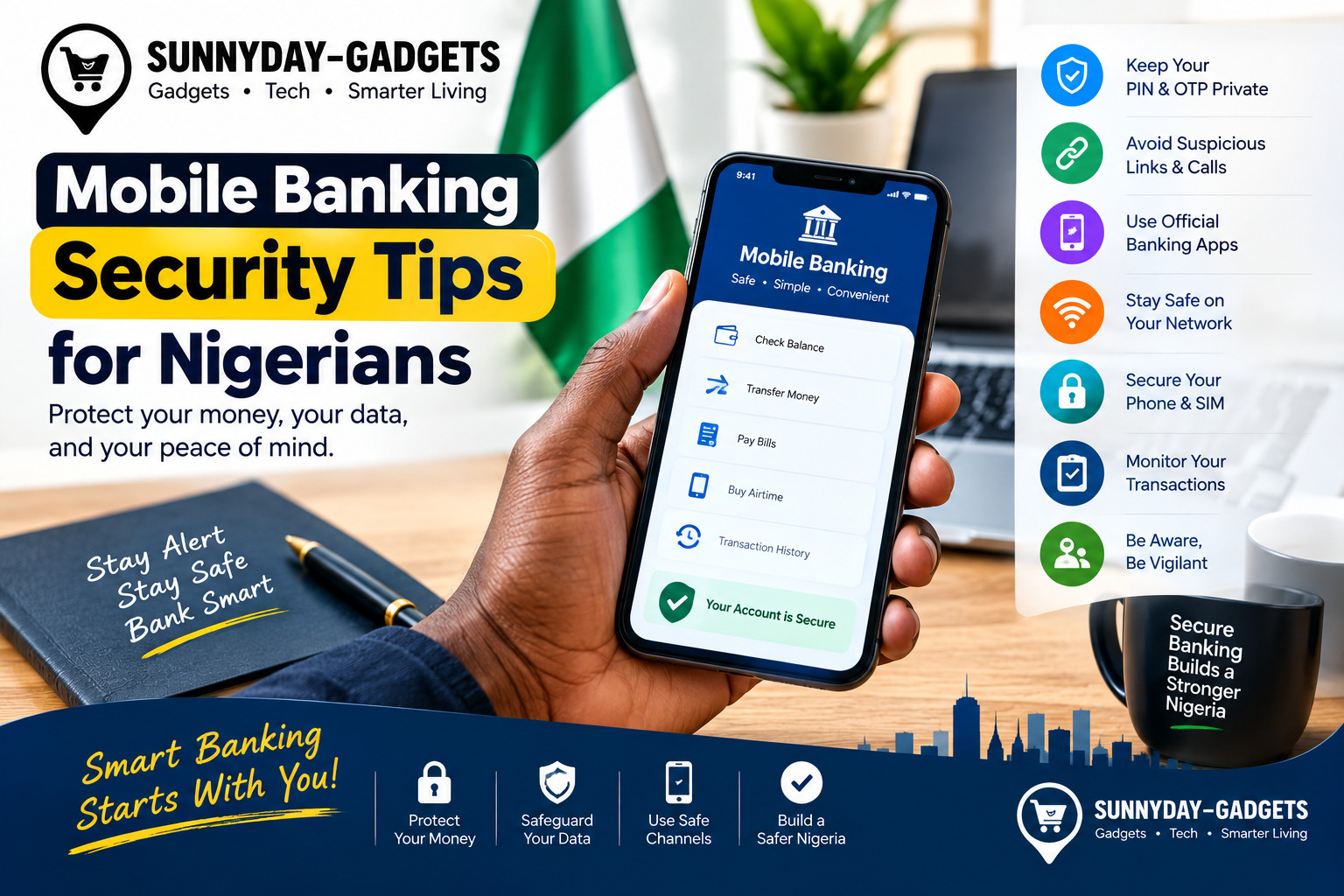
Mobile banking has made it easier for Nigerians to transfer money, pay bills, check account balances, buy airtime, and manage finances from a smartphone. However, the convenience of mobile banking also means that protecting your phone, banking credentials, and personal information is extremely important.
Fraudsters may use phishing messages, fake banking websites, social engineering, malicious applications, stolen SIM cards, or deceptive phone calls to trick customers into authorising transactions or revealing confidential information.
Nigeria’s payment ecosystem continues to strengthen fraud controls. For example, the Central Bank of Nigeria introduced new instant-payment rules in 2026 that include multi-factor authentication for certain controls, lower customer-set transaction limits, stronger identity verification, and temporary transaction limits when a mobile banking app is activated on a new device. https://www.cbn.gov.ng/AboutCBN/Reforms.html?
Here are practical mobile banking security tips for Nigerians to help protect your account.
1. Never Share Your PIN, OTP or Password
Your banking PIN, password and one-time passwords (OTPs) should be treated as confidential.
Never give them to someone claiming to be:
- A bank employee
- A customer-care representative
- A police officer
- A CBN official
- A fintech representative
- A friend or family member requesting them
NIBSS specifically advises customers to protect confidential information such as BVN and other access credentials and warns that suspicious requests for such information should be treated cautiously.
Remember: An OTP is intended to authenticate an action. Do not disclose it simply because someone tells you that it is needed to “cancel” or “reverse” a transaction.
2. Be Careful With Phone Calls From “Bank Officials”
Social engineering is one of the major risks facing digital banking users.
A fraudster may call and claim:
“Your account has been compromised.”
They may then ask you to provide an OTP, PIN, card details, or other information to “secure” your account.
Instead of following instructions from an unexpected caller, end the call and contact your bank through an official channel.
3. Don’t Click Suspicious Banking Links
Be cautious when receiving banking-related links through:
- SMS
- Telegram
- Other social media platforms
A message may claim that your account will be blocked unless you verify your information.
Instead of clicking the link, open your bank’s official app or manually visit the bank’s verified website.
4. Download Banking Apps From Official App Stores
Install banking applications from trusted sources such as the official Apple App Store or Google Play Store.
Before installing an app, check:
- Developer name
- Number of downloads
- Reviews
- App description
- Recent updates
- Requested permissions
Avoid installing an APK sent to you through WhatsApp, Telegram, email, or an unknown website.
5. Keep Your Smartphone Updated
Regularly install operating-system and security updates.
Updates can address security vulnerabilities and improve the protection of your device.
Also keep your banking applications updated through official app stores.
6. Use Your Phone’s Security Features
Enable the security features available on your smartphone, such as:
- Fingerprint authentication
- Face authentication
- Strong screen lock
- Automatic screen timeout
- Device encryption where supported
- Find My Device or equivalent tracking features
NIBSS has also highlighted biometric authentication as an additional security mechanism within Nigeria’s financial ecosystem.
7. Protect Your SIM Card
Your phone number can be closely connected to your banking and financial accounts.
Protect your SIM by:
- Setting a SIM PIN where appropriate
- Keeping your phone locked
- Avoiding unnecessary sharing of your phone number
- Contacting your mobile network operator quickly if your SIM suddenly stops working
- Informing your bank if you suspect your number has been compromised
NIBSS has specifically identified SIM lock alongside phone-lock controls as a useful measure against phone-theft-related fraud.
8. Avoid Banking on Public Wi-Fi
Be cautious when accessing mobile banking over unsecured public Wi-Fi networks.
If you are at a:
- Café
- Airport
- Hotel
- Shopping centre
- Public office
consider using your mobile data or another trusted connection for sensitive financial transactions.
Public Wi-Fi can expose users to additional security risks, particularly when the network is poorly secured or impersonated by an attacker.
9. Don’t Save Your Banking PIN in Your Phone
Avoid storing your banking PIN in:
- Notes apps
- WhatsApp chats
- Screenshots
- Text messages
- Unprotected documents
- Contact lists
CBN’s mobile-money security framework requires mobile-payment applications to avoid allowing PINs to be saved on the handset or in the application.
10. Set Transaction Alerts
Enable SMS, email, push notifications, or other transaction alerts provided by your bank.
Alerts can help you identify an unexpected transaction quickly.
If you receive an alert for a transaction you did not authorise, contact your bank immediately using its official contact channels.
11. Review Your Bank Account Regularly
Don’t wait until the end of the month to check your account.
Regularly review:
- Recent transfers
- Card transactions
- ATM withdrawals
- USSD transactions
- Direct debits
- Mobile banking activity
Early detection can help you respond more quickly to suspicious activity.
12. Be Careful What You Share Online
Avoid publicly posting information that could help someone impersonate you or guess security questions.
Be particularly careful with:
- Date of birth
- Phone number
- Bank details
- BVN
- NIN
- Account information
- Card information
- Screenshots of financial transactions
Your BVN and other identity information should be treated as sensitive information. NIBSS states that customers are responsible for maintaining adequate security and control over their IDs, passwords, PINs, BVN and other access codes.
13. Don’t Trust “Money Reversal” or “Account Upgrade” Messages
Fraudsters often create urgent scenarios to pressure victims into acting quickly.
Examples include:
- “Your account needs an upgrade.”
- “Your BVN has expired.”
- “Your account will be blocked today.”
- “A transaction is waiting for confirmation.”
- “Click here to receive your refund.”
- “Send this OTP to reverse the transaction.”
Don’t allow urgency to replace verification.
If you are unsure, contact your bank directly.
14. Set Lower Transaction Limits Where Available
If your bank provides transaction-limit controls, consider setting a limit appropriate for your normal activities.
This can reduce the amount that could potentially be transferred through a compromised account or device.
The CBN’s 2026 instant-payment guidance specifically provides for customers to set lower personal transaction limits, subject to applicable verification and risk controls.
15. Be Extra Careful When Changing Phones
Before selling, giving away, or disposing of your old smartphone:
- Back up important information.
- Remove your banking applications.
- Sign out of financial accounts.
- Remove your Google or Apple account.
- Remove saved cards and payment information.
- Remove your SIM/eSIM where appropriate.
- Perform a factory reset.
Also contact your bank if you lose your phone or believe someone may have accessed your banking application.
What Should You Do If You Suspect Mobile Banking Fraud?
Act quickly.
Step 1: Contact Your Bank
Use the official phone number, mobile app, website, or branch—not a number supplied by a suspicious caller.
Step 2: Secure Your Account
Follow your bank’s instructions to block cards, restrict transactions, change credentials, or secure your account.
Step 3: Secure Your Phone and SIM
If your phone has been stolen, contact your network provider and take appropriate steps to protect your accounts.
Step 4: Document the Incident
Keep relevant:
- Transaction references
- SMS alerts
- Emails
- Screenshots
- Phone numbers
- Dates and times
These may be useful when reporting the incident.
Step 5: Report Suspicious Activity
NIBSS advises banks to encourage customers to report suspicious emails, messages, and calls.
A Simple Mobile Banking Security Checklist
Before making a financial transaction, ask yourself:
✓ Am I using my bank’s official application or website?
✓ Am I connected to a trusted network?
✓ Did I initiate this transaction?
✓ Am I certain who I am sending money to?
✓ Is the recipient’s account information correct?
✓ Am I being pressured to act immediately?
✓ Has anyone asked me for my PIN or OTP?
If something doesn’t feel right, stop and verify before proceeding.
Final Thoughts
Mobile banking offers tremendous convenience, but security should remain a priority. Nigerians can reduce their exposure to financial fraud by protecting PINs and OTPs, securing smartphones and SIM cards, avoiding suspicious links, using official banking applications, keeping devices updated, monitoring transactions, and acting quickly when something appears unusual.
Banks and payment providers continue to strengthen fraud controls, but customers also play an important role in protecting their accounts. CBN’s recent payment-security measures and NIBSS’s fraud-prevention guidance both emphasize stronger authentication, transaction monitoring, customer controls, and protection of sensitive information. A Nigeria-Focused Security Perspective
Stay safe, stay alert, and never allow anyone to pressure you into revealing your banking credentials.
